
Why Google Ads Tracking Is Important
Accurate Google Ads tracking is the foundation of profitable advertising. Without proper tracking, campaign data becomes unreliable, conversions go unmeasured, and budget is wasted. A professional tracking setup ensures you understand exactly which keywords, ads, and audiences drive results—allowing you to scale what works and eliminate what doesn’t.
Accurate tracking helps you:
Measure real conversions (leads, sales, sign-ups, calls).
Optimize bidding strategies (Target CPA, ROAS, Maximize Conversions).
Improve audience targeting with remarketing and customer lists.
Reduce wasted ad spend by identifying low-performing areas.
Generate clear, actionable reports in Google Ads and GA4.
Improve marketing ROI through data-driven decisions.
Clean tracking = better performance, lower cost per conversion, and more confident optimization.
Google Ads Conversion Tracking Setup
1. Complete Tracking Audit
I start with a full review of your existing setup to identify:
Incorrect or missing conversion tags
Duplicate conversions
GA4, GTM, or website issues
Wrong attribution or event firing
This gives a clear picture of what needs to be fixed or upgraded.
2. Conversion Goal Planning
I identify which actions matter for your business:
Form submissions
Button clicks
Phone calls
Purchases
Lead events
Page views (thank-you pages)
This ensures all important actions are tracked properly inside Google Ads and GA4.
3. Google Tag Manager (GTM) Setup
I configure all tracking inside GTM using best-practice standards:
Google Ads conversion tags
Trigger setup for each event
Custom event tracking
Data layer integration (if needed)
Enhanced conversions setup
This creates a clean, scalable, and error-free tracking environment.
4. GA4 + Google Ads Integration
I link GA4 with Google Ads to sync:
Conversions
Audiences
eCommerce data
Cross-device insights
This improves reporting accuracy and unlocks advanced bidding strategies.
5. Enhanced Conversions & Server-Side (Optional)
For better accuracy, I implement:
Enhanced Conversions (hashed user data for better match rate)
Server-side tracking via GTM Server Container
These reduce data loss caused by browser restrictions, iOS updates, and privacy rules.
6. eCommerce Conversion Tracking (If Required)
For Shopify, WooCommerce, Magento, or custom stores, I track:
Add to Cart
Begin Checkout
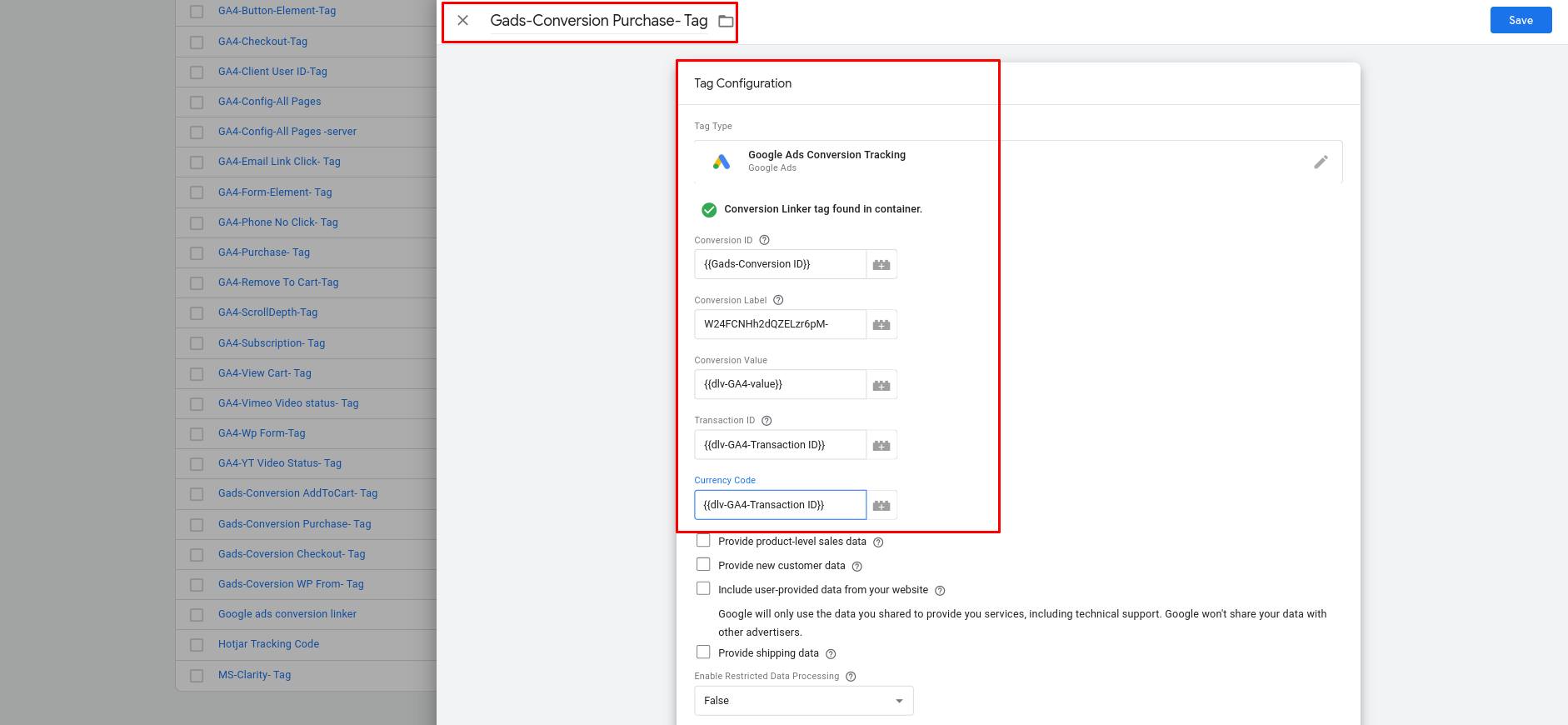
Purchase (with ID, value, currency)
Product-level data (IDs, categories)
This ensures Google Ads receives complete purchase data for accurate optimization.
7. Full Testing & Debugging
Using:
GTM Preview Mode
Google Tag Assistant
GA4 DebugView
Real-time testing
I verify:
Correct event firing
No duplicates
Proper values passed (currency, amount, IDs)
Pixel/Tag firing order
Tracking accuracy is confirmed before going live.
8. Conversion Importing & Action Setup
I configure Google Ads:
Primary vs. secondary conversions
Attribution models (data-driven/last-click)
Conversion windows
Value-based bidding preparation
This ensures Google Ads uses your data correctly for optimization.
9. Documentation & Final Report
You receive:
A full list of all tracked events
Screenshots of tag setups
GA4 and Google Ads configuration summary
Recommendations for future improvements